
Every subject, one open book.
Built for Darul Ilm institutes, Darul Ulooms, Alimiyyah programmes and Islamic colleges. Manage classes, subjects, exams, progress and reports across every year.
Trusted by 75+ masajid & madrasahs
Organisations using Labbaik include Al Huda Academy, Ashrafia Madrasah Blackburn, Central Mosque Blackpool, Land of Knowledge, Jamia Islamia Ghausia Masjid, Lincoln Central Mosque & Cultural Centre, Madina Masjid Rochdale, Masjid-e-Khazra, Masjid Irshad, Ummah Masjid (part of the Ummah Welfare Trust), Zakariyya Masjid.











Upload any kitab, track every chapter.
Upload a kitab and Labbaik breaks it into sections, so you can see exactly where each class and student is, chapter by chapter.
Works with the kitabs you already teach, in Arabic, Urdu or English.
Kitabs ready to teach, added in one tap.
145 Alimiyyah kitabs, shared by madrasahs and checked by Labbaik. Add one to a class and track it section by section.
Covers and section outlines only, never a book’s contents.
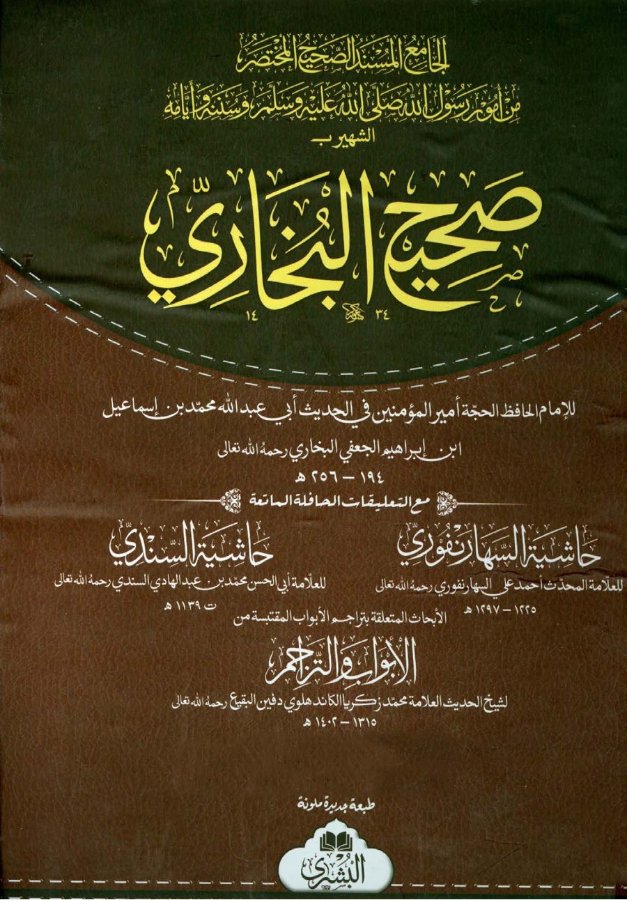

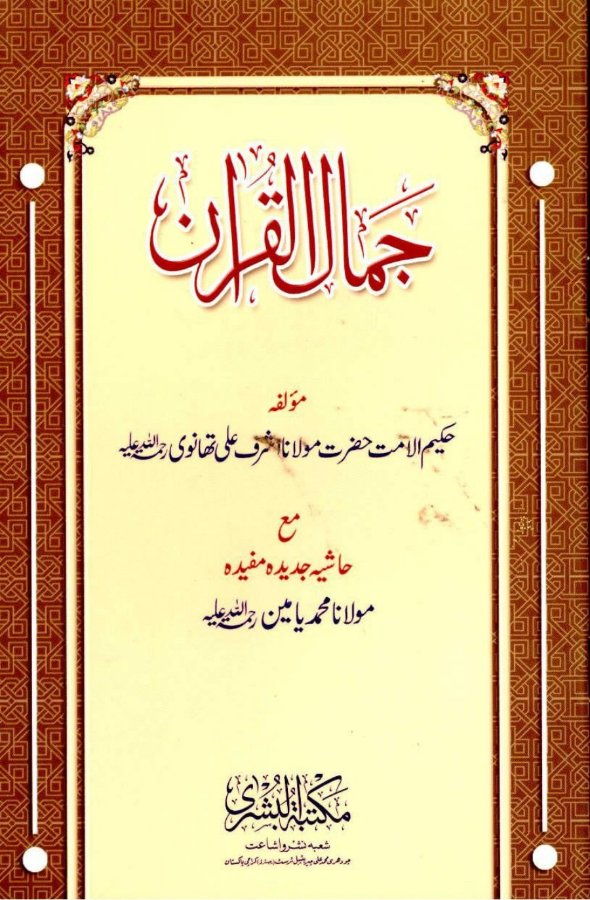
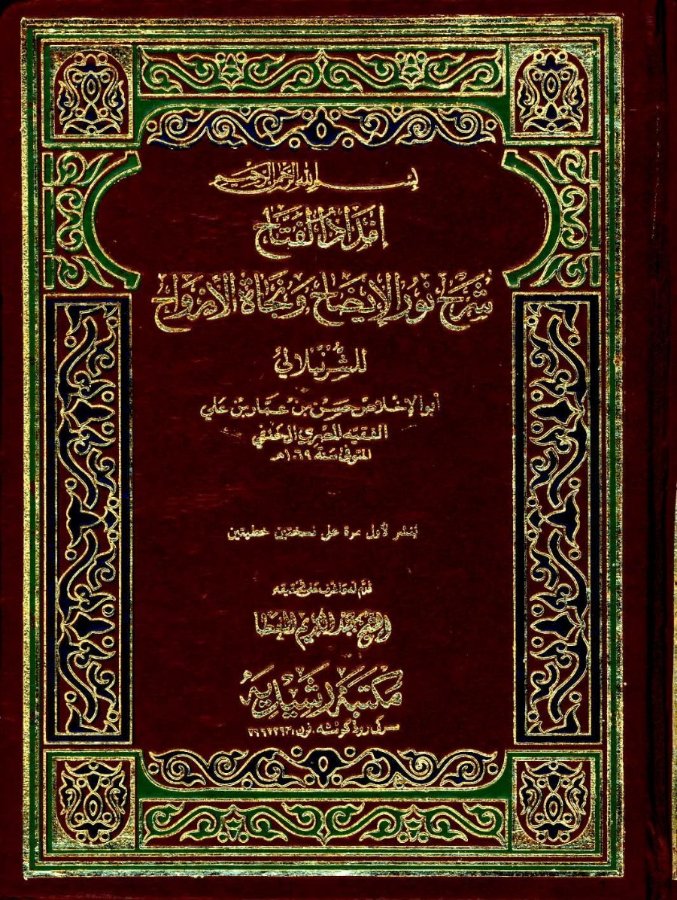

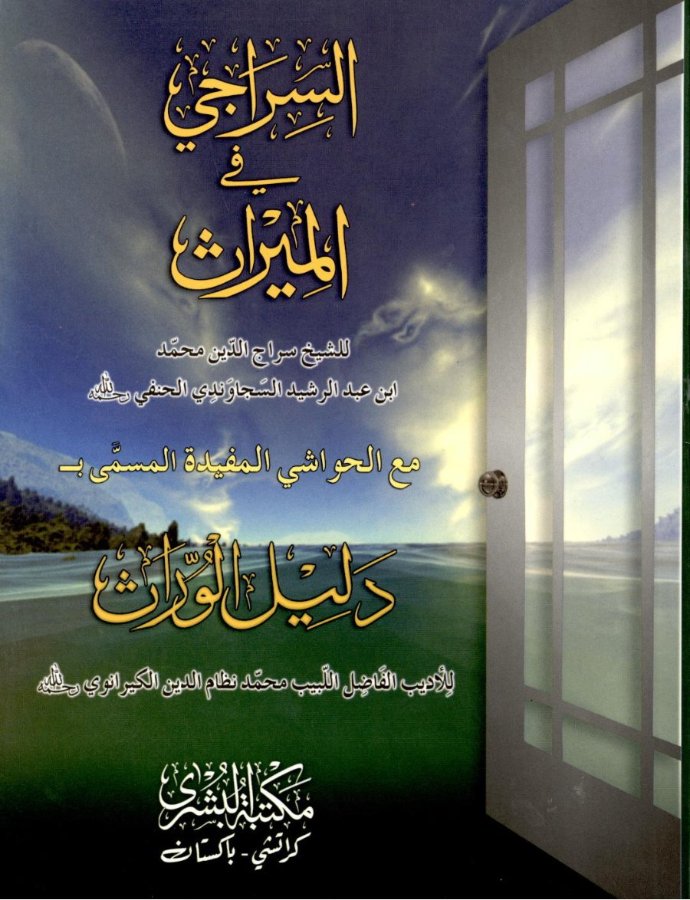
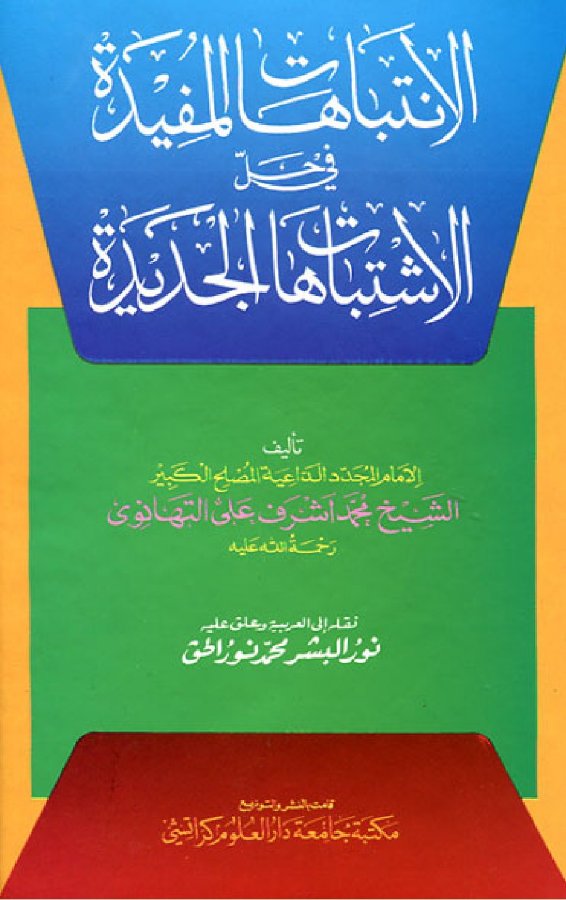
Hover over a book, or open the whole Library.
Advanced Hifz tracking, in under a minute.
Log Sabak, Sabak Para and Dhor every day: the portion, lines or quarters, mistakes, and the quality of each tajweed ruling, from Makharij to Sifaat.
A live juz map shows where each hafiz is, what’s complete and what’s under revision, so asatidh, parents and admins share one honest picture.
Every ijazah, every link in the chain.
Preserve each student’s scholarly journey with ijazahs, sanad chains and qualification records, all kept together on their record.
Anyone can confirm an ijazah is genuine by scanning its QR code.
The register, in seconds.
Mark each student present or absent with a single tap, for every class and year group. Parents are told automatically.
Every class keeps a full attendance history.
Every class, a question away.
Has every class done the register? Whose progress is overdue? How did a student do in their exams? Ask the way you’d ask your head of year, and Labbaik answers from your institution’s own records.
For admins, in the search bar at the top of your dashboard.
Sign in with a quick scan.
Asatidh and staff scan a QR code when they arrive and leave. Hours are logged automatically and flow straight into the next pay run.
No timesheets to chase at the end of the month.
Run payroll without leaving Labbaik.
Pay, deductions and payslips calculated automatically on every payroll run, including P45 and P60 generation for UK staff.
Tax, National Insurance, pensions and student loans, worked out automatically, every run.
We handle the numbers. Send to payroll then turns each month into a BrightPay import file, or a spreadsheet for your accountant, and that's what files with HMRC.
Admissions that think for you.
Not a generic form. Applicants type a postcode and pick their address, siblings are recognised automatically and family discounts apply themselves.
Every application lands in one admissions queue, ready to review.
Safeguarding, handled properly.
Asatidh raise a concern from their phone in a few taps. It goes straight to your safeguarding lead, with every step timestamped until it’s resolved.
DBS certificates are stored for every staff member, and admins are alerted before any expire.
Online classes, all in one portal.
Run live lessons with Labbaik Live, built in, or connect Zoom, and use Google Drive or Dropbox for recordings. Students get a WhatsApp message when a lesson starts, with a link straight into the student portal, and past lessons are there to revise from any time. Students who join through the portal are marked present automatically.
Connections use secure OAuth sign-in, so no passwords are stored. Labbaik only shows the recordings you choose to upload, never the rest of your drive.
Explore Labbaik Live


One link, and they’re in.
Attendance, progress, fees, exam results and lesson recordings, all in one place on any phone. Live sessions can be joined straight from the portal.
No password and no app store, just a magic link.
Explore the student portal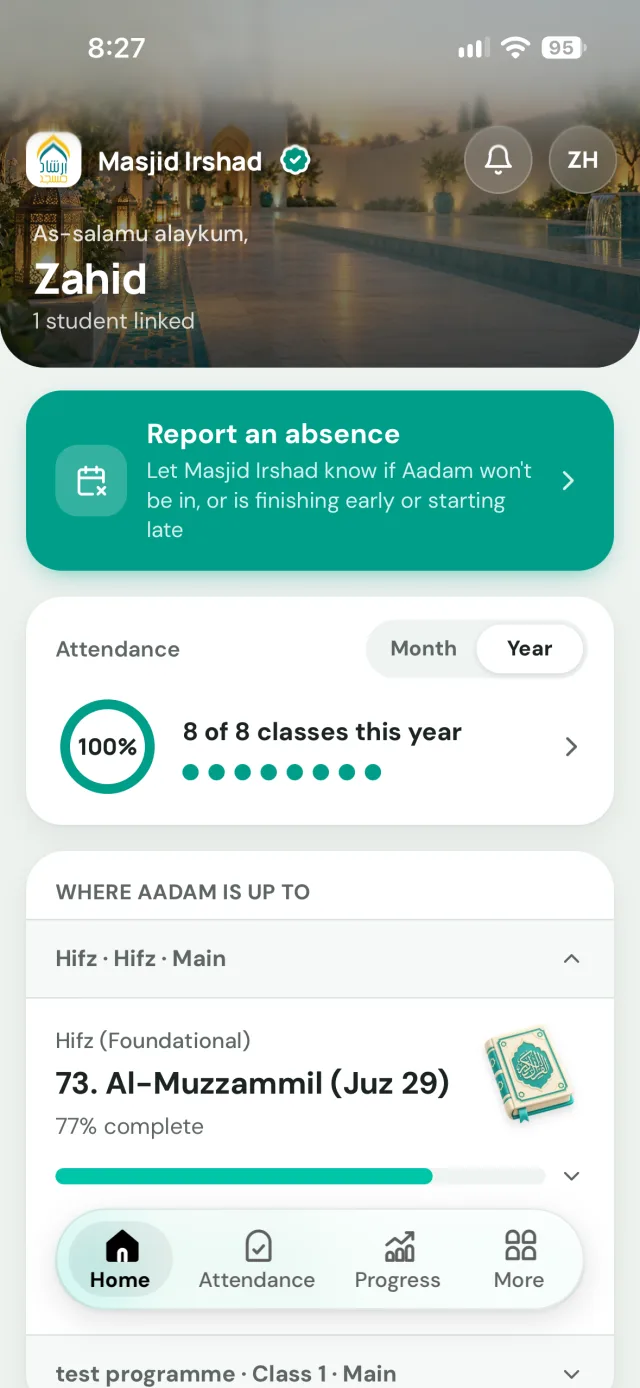
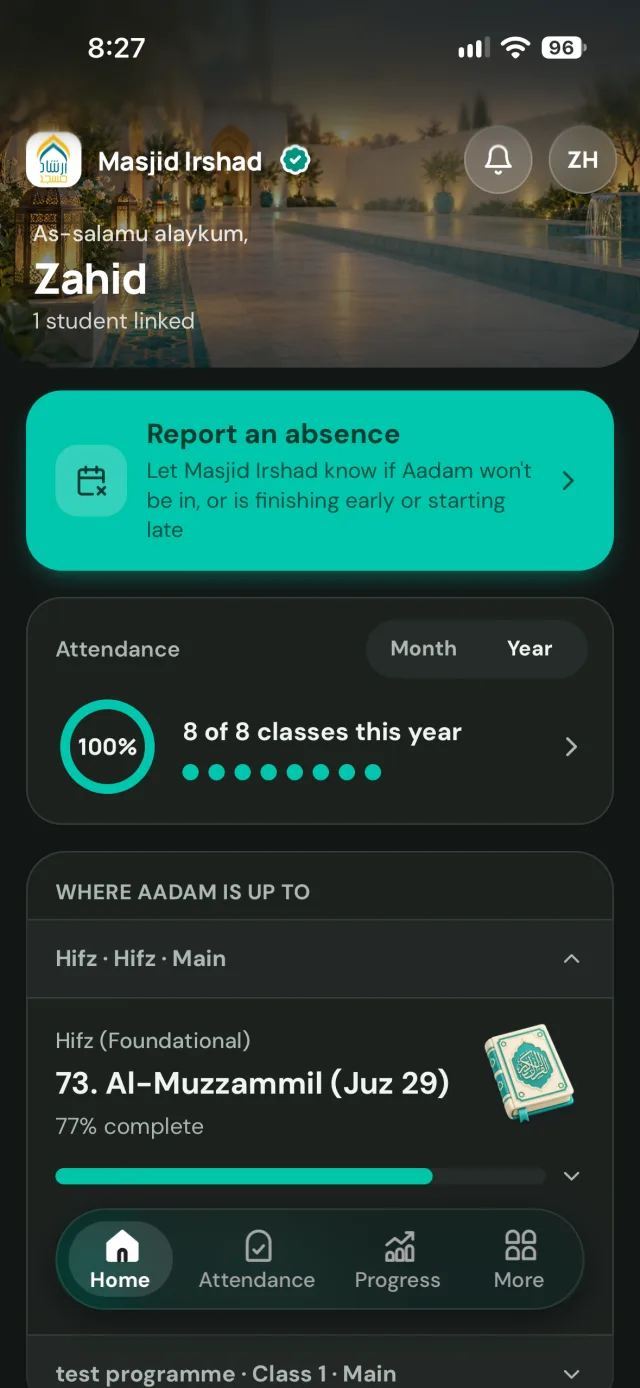
Every family, in the loop.
Send an announcement to every parent, one class, or just the boys or girls. It arrives as a notification on their phone and in their portal, and can go by email in the same tap. Parents and teachers can message the office back, all inside Labbaik.
See who’s been notified, who’s acknowledged and who was emailed, and when each message was seen.
And everything else your institution runs.
Lectures, youth clubs and open days, with posters, registrations and WhatsApp reminders. Community classes from first aid to martial arts, with bookings and payments. Sadaqah and Zakat appeals, with Apple Pay, Google Pay and live progress.

Questions & answers
Institute software, answered.
What is Islamic institute management software?
Software for Darul Ulooms, Alimiyyah programmes and Islamic colleges to manage classes, subjects, exams, progress and reports across every year, from one place instead of separate spreadsheets for each class.
Can we track progress through the kitabs we teach?
Yes. Add a kitab from the Labbaik Library's Alimiyyah shelf, from Nur al-Idah and Mukhtasar al-Quduri to Al-Hidayah, Sharh al-Aqa'id and Sahih al-Bukhari, or upload any kitab in Arabic, Urdu or English and Labbaik breaks it into sections, so you can see exactly where each class and student is, chapter by chapter.
Can I upload a multi-volume kitab?
Yes. Drop all the volumes' PDFs in together and choose "Volumes of one book", then pick volume 1, the one with the cover. Labbaik reads each volume's contents page in turn, whether the fihrist is at the front or the back, and joins them into one book, with sections labelled by volume ("Vol 2 · …") and the printed page numbers carrying on across the set as they do in the books. If a volume has no contents page, it becomes one whole-volume section you can split by hand. You review everything before saving, and any page number that looks out of order is flagged. Sahih al-Bukhari in four scanned volumes, over 3,000 pages, comes back as one book of 97 sections in about two and a half minutes.
How large a PDF can we upload?
Up to 300MB per PDF, and the length doesn't matter. Labbaik only reads the pages that hold the contents list, cut out in your browser, so a 900-page kitab is no slower than a 90-page one. If a book has no contents page, Labbaik reads it by the headings printed through it, which it does on its own for books up to 1,000 pages; for anything longer, you point it at the contents page or upload a photo of it. You can always type the sections in yourself instead.
What if the book doesn't have a contents page?
Labbaik reads the book itself instead, by the headings printed through it. Every numbered lesson (درس, سبق, باب, فصل) becomes its own section, grouped under a short part name where lessons sit under larger parts, with an English name alongside and the printed page numbers. Cover and title pages are left out. It does this on its own for books up to 1,000 pages, reading long ones in parts. For a longer book, or if the contents just weren't found, you can tap the pages that hold the contents, ask it to read the whole book, upload a photo of a contents page, or type the sections in. Qasas un-Nabiyyin, a 69-page book with no fihrist, came back as 42 sections, one for each lesson.
Can we issue ijazahs and record the sanad?
Yes. Ijazahs, sanad chains and qualification records are kept together on each student's record, and anyone can confirm an ijazah is genuine by scanning its QR code.
Does it work for adult and Alimiyyah students?
Yes. Classes can be set to adult self-registration, and adult learners get their own progress updates in the student portal without needing a parent account.
How much does Labbaik cost for an institute?
Nothing to start. The Safar plan is £0 a month, with no setup fee and no student cap. Labbaik only takes a small fee on card payments you collect, from 1.5%. Cash and bank transfers are never charged.
See pricing →Can we teach classes online?
Yes. Run live lessons with Labbaik Live, built in, or connect Zoom, and use Google Drive or Dropbox for recordings. Students get a WhatsApp message when a lesson starts, join from the student portal and are marked present automatically, and past lessons stay there to revise from.
Will an institute get tools it doesn't need?
No. Labbaik is modular: your workspace only includes the tools for the organisation you run, and you can add or remove tools yourself at any time, such as adding donations for a Zakat appeal or removing ones you don't use. You can switch organisation type yourself too, without contacting us.
How the modular platform works →More questions? See the full FAQ or get in touch.